01
Choose your focus.
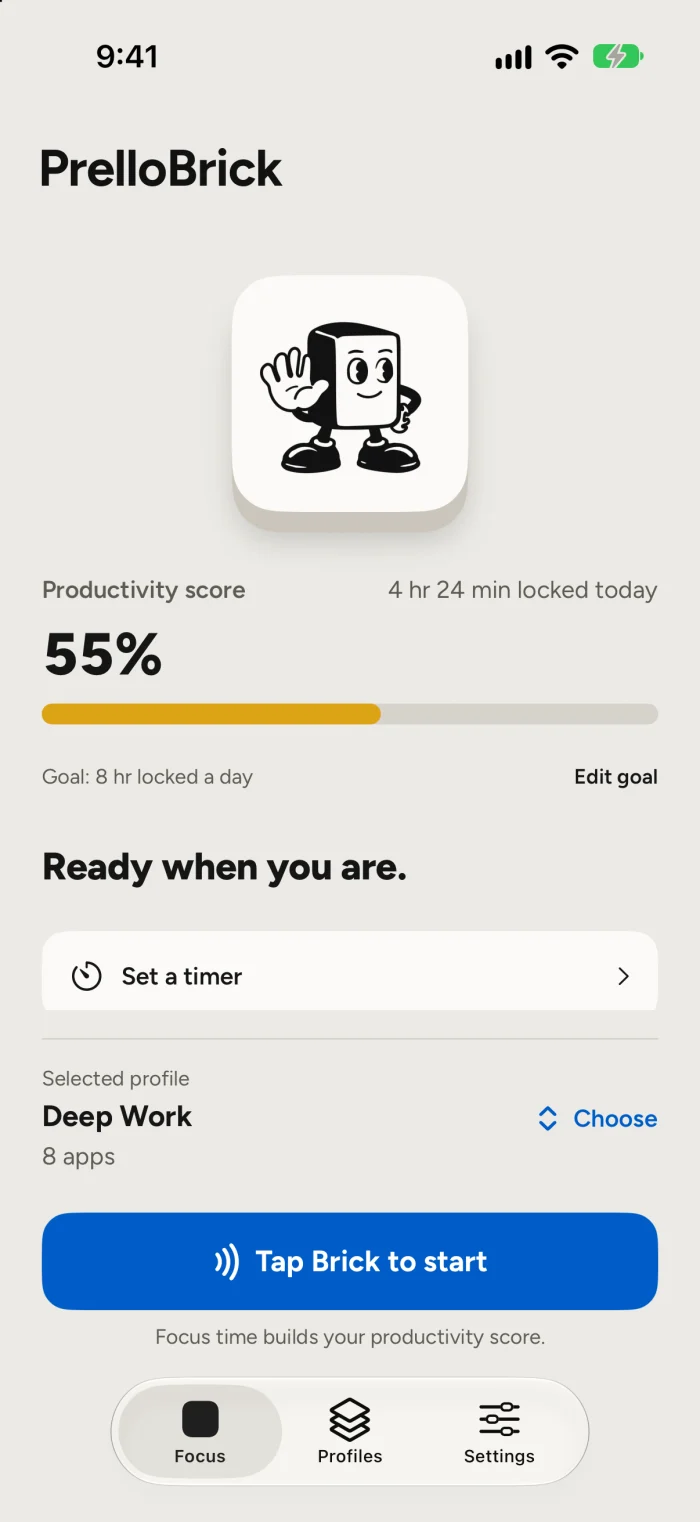
In the Prello app, choose the apps you’d like to set aside and the profile that fits your day.
 Shop Prello
A few intentional steps can help you get back to what’s in front of you.
In the Prello app, choose the apps you’d like to set aside and the profile that fits your day.
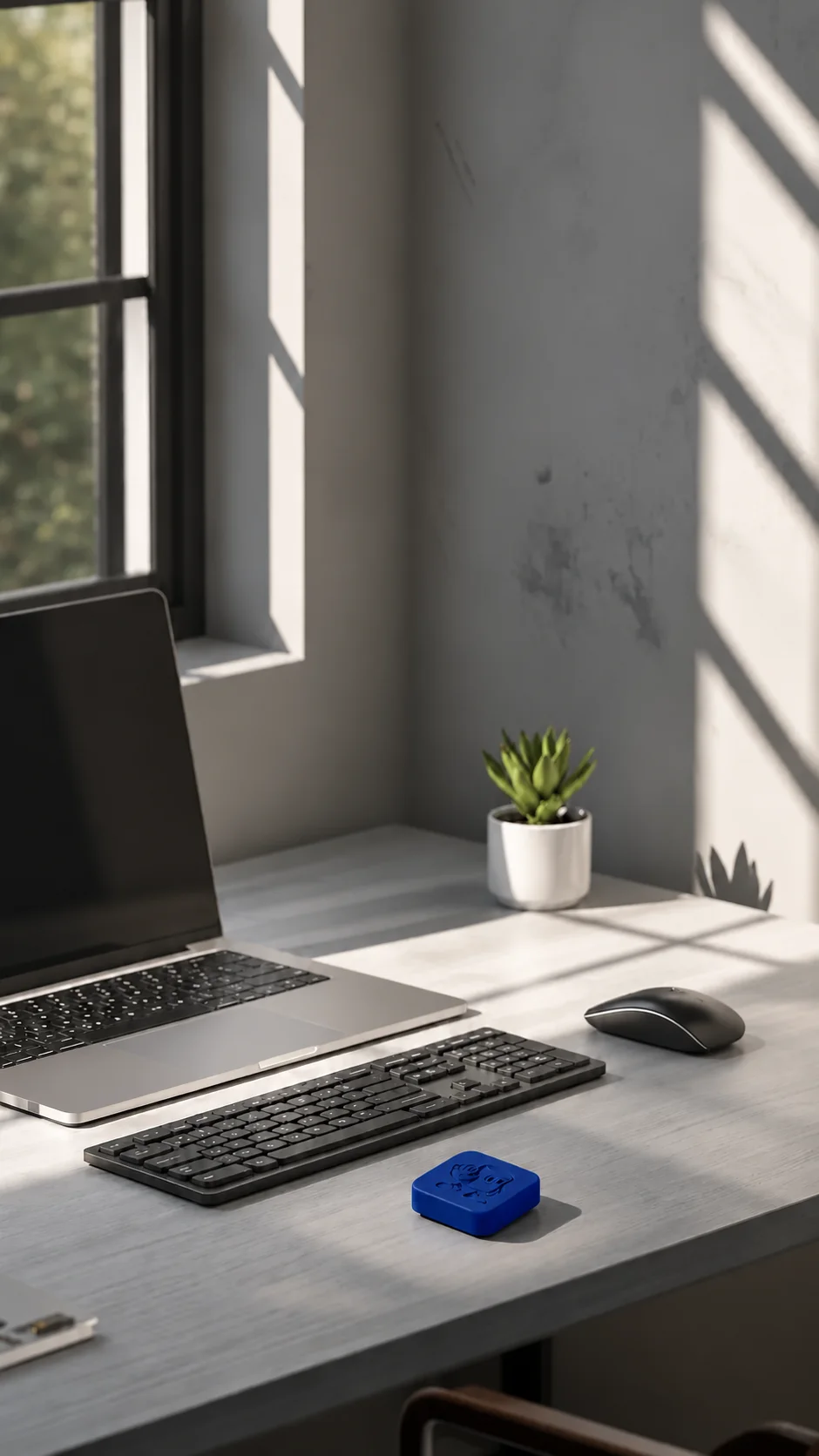
Bring your iPhone to your Brick to start a focus session. Your phone can take a break while you get going.

Get into the work, the conversation, or the quiet time you made space for.
Your Brick gives your focus a physical starting point. Open Prello, tap your Brick, and turn your attention to whatever comes next.
Take a closer lookPrello fits into the places where a little more attention can go a long way.

Make space for the project that needs your full attention.

Set the scroll aside for homework, reading, or your next big idea.

Put down your phone and make time for one more chapter.
Some of the best parts of the day happen together. Prello is being designed with individuals and families in mind, so there’s more room for the people in front of you.
Family features are in development; availability has not been announced.